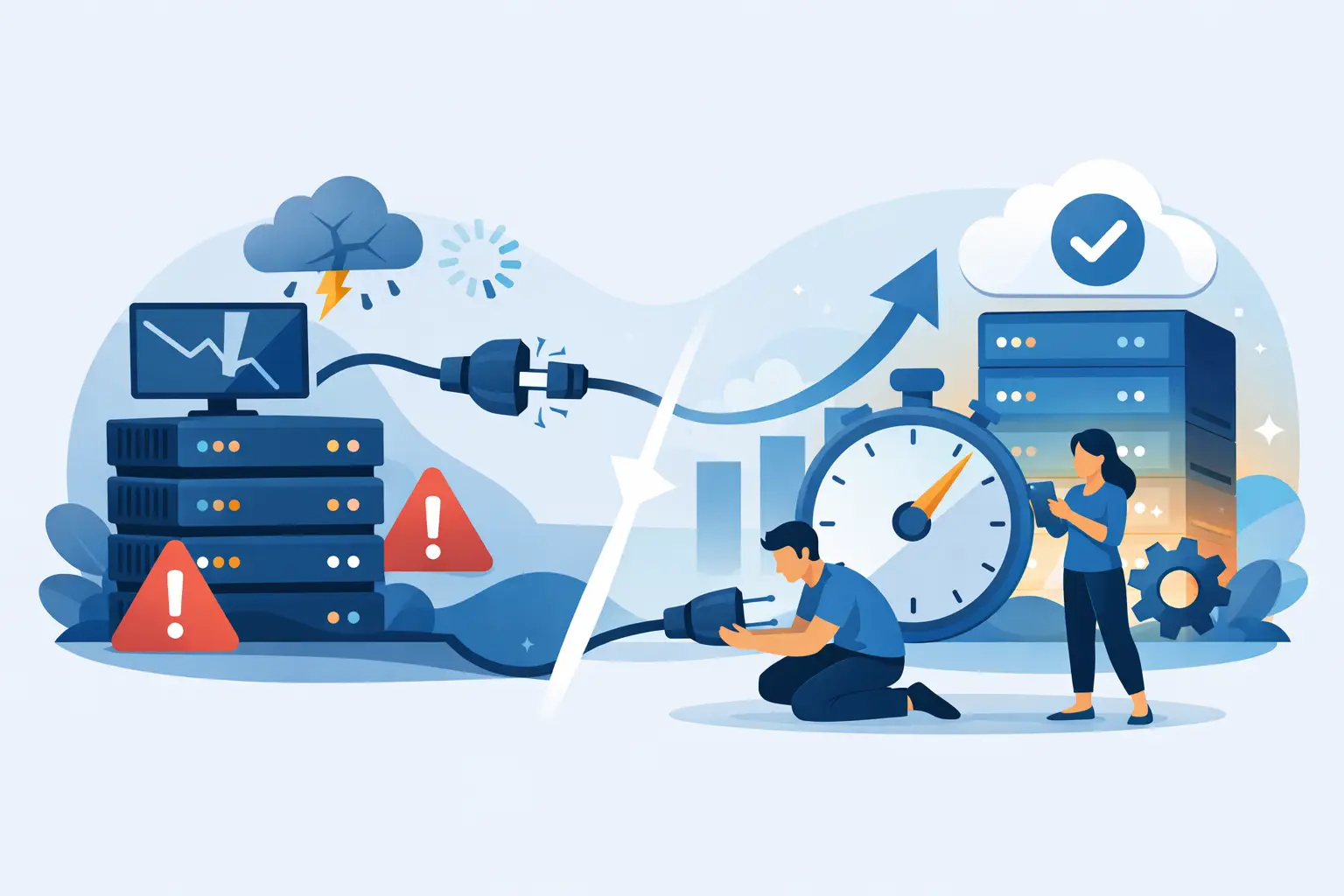





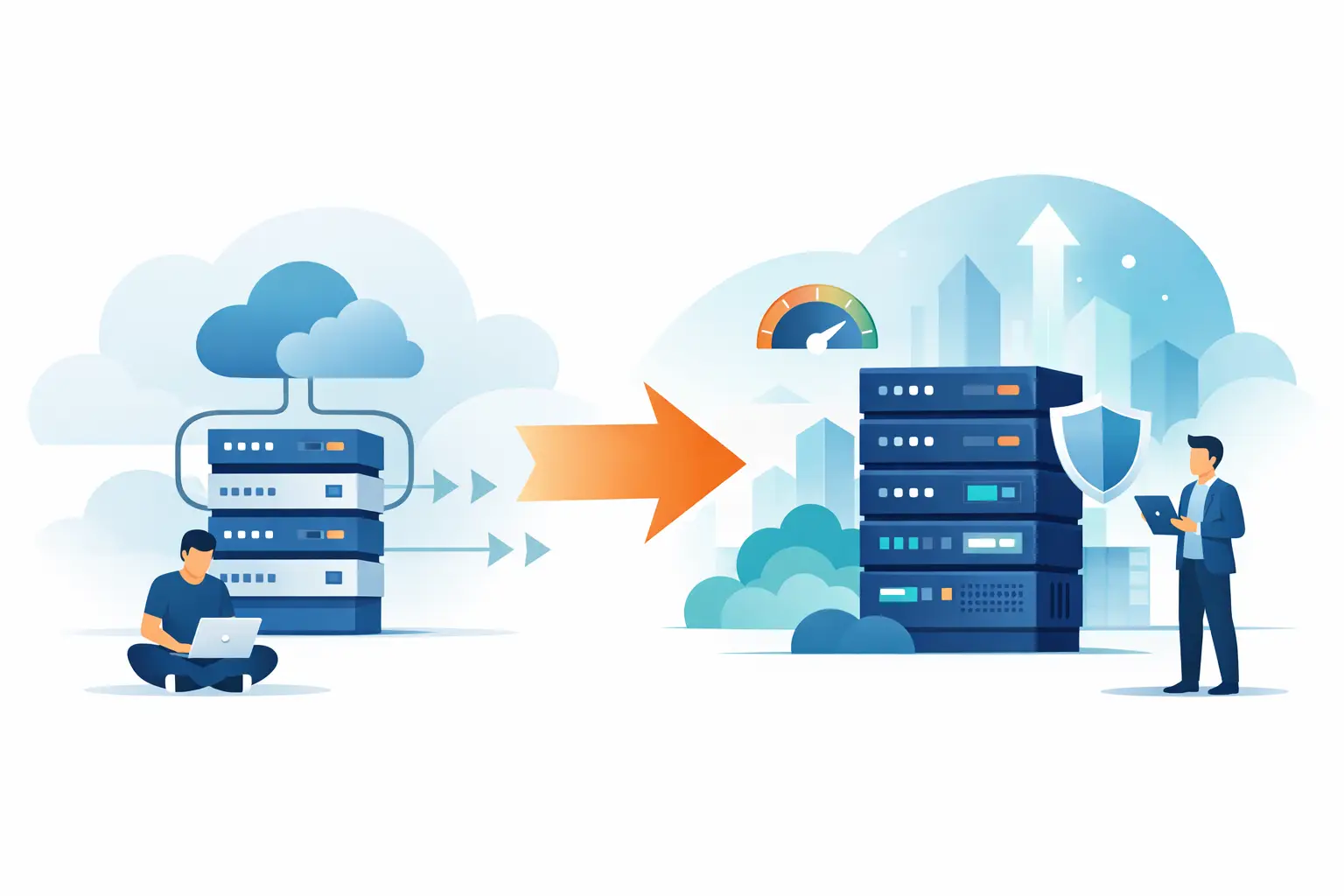
Your site was fine on shared hosting – until it wasn’t. Pages got slower, traffic spikes started hurting conversions, and basic admin tasks began to feel heavier than they should. That’s usually the moment people start searching for how to upgrade from shared hosting, not because they want more complexity, but because they need better performance, more control, and fewer limits getting in the way.
Upgrading is less about chasing bigger specs and more about matching your hosting to what your site actually needs now. If you run a business website, a growing WordPress store, a client portfolio, or a content-heavy blog, the right move can improve speed, uptime, security, and day-to-day stability in a very real way. The wrong move can leave you overpaying for resources you don’t use or stuck on a platform that still can’t keep up.
When shared hosting stops being enough
Shared hosting is a smart starting point. It keeps costs low, setup is simple, and for newer sites with modest traffic, it gets the job done. But shared environments also mean your website lives alongside many others on the same server resources. Once your site grows, that trade-off becomes harder to ignore.
You’ll usually feel it before you can measure it. Your dashboard may lag, checkout pages may load slower during peak hours, or plugin updates may take longer than expected. If your host starts warning you about CPU, memory, or inode limits, that’s another strong signal. So is a site that performs well one day and drags the next, even when you haven’t changed anything.
For WordPress users, heavy themes, page builders, WooCommerce, membership plugins, and high plugin counts can push a shared plan past its comfort zone quickly. Agencies and freelancers hit similar walls when they start hosting multiple client sites under one account. At that point, the issue isn’t just traffic – it’s resource consistency.
How to upgrade from shared hosting without choosing the wrong plan
The best upgrade depends on what’s creating pressure on your current setup. There isn’t one perfect next step for everyone.
If you want a simpler path with better speed and cleaner resource allocation, moving to a stronger WordPress hosting or cloud hosting plan often makes the most sense. This is ideal for site owners who want more performance without becoming their own server admin. You get more headroom, better caching setups, and an environment built for growth.
If you need guaranteed resources and deeper server control, VPS hosting is usually the next step. It gives you dedicated portions of CPU and RAM, which helps when your site has outgrown the unpredictability of shared hosting. This option is a strong fit for growing stores, busy content sites, and developers who need custom configurations.
Dedicated servers are a different tier entirely. They’re built for large workloads, advanced applications, or high-traffic projects that need full machine-level resources. For many small businesses, this is not the immediate next move. It’s powerful, but it can be excessive if your main problem is simply that shared hosting has become too crowded.
The practical question is this: do you need more performance with less hassle, or more control with more responsibility? That answer will point you in the right direction.
What to check before you upgrade
Before you migrate anything, get clear on your current usage. Look at traffic trends, storage usage, database size, email needs, and the number of websites in the account. If you run an online store, check your busiest periods and how your site handles them. If you manage client sites, consider how many installs you expect to add over the next 6 to 12 months.
This step matters because many site owners upgrade emotionally. They hit one slow week, panic, and jump to the biggest plan available. More resources can solve the problem, but buying too far ahead creates waste. On the other hand, upgrading to a plan that only barely exceeds your current limits means you may be repeating this process again in a few months.
You should also review the software side of the equation. Sometimes slow shared hosting is made worse by bloated plugins, poorly optimized images, excessive scripts, or outdated PHP settings. Better hosting helps, but it won’t hide every inefficiency forever. A solid upgrade works best when the site itself is reasonably clean.
How to upgrade from shared hosting with minimal downtime
A clean migration starts with planning, not button-clicking. First, back up your website files, databases, email accounts if relevant, and DNS settings. Even if your new provider includes migration help, you want your own current copy before anything changes.
Next, set up the new hosting account before canceling the old one. This sounds obvious, but people still shut down their shared plan too early and create avoidable downtime. Your old hosting should stay active until the site is fully moved, tested, and resolving correctly on the new environment.
Once the new account is ready, move the site files and database or use a migration service. Many modern hosts can handle this for you, which removes a lot of friction and lowers risk. If your site is WordPress-based, migrations are often straightforward, but custom apps, multiple subdomains, and email-heavy setups may require more careful handling.
After the content is moved, test everything on the new server before updating DNS. Check page speed, forms, logins, checkout flows, SSL status, redirects, image paths, cron jobs, and admin access. If your domain uses email through the same hosting account, confirm mailboxes, forwarding, and DNS records are correct as well.
Then update your DNS and give propagation time to complete. During this window, some users may reach the old server while others hit the new one. That’s normal. Keep both environments available until traffic clearly settles on the new hosting.
The features that actually matter after shared hosting
When people upgrade, they often get distracted by marketing language and giant spec sheets. Focus on what changes real performance and reliability.
Fast storage matters. NVMe storage cuts down read and write delays compared to older storage types, which helps page delivery and database responsiveness. Modern memory and current-generation CPUs also help under heavier workloads, especially for dynamic sites.
Server software matters too. LiteSpeed, strong caching support, and CDN integration can make a visible difference, especially for WordPress websites and media-rich pages. Security should also be part of the upgrade, not an add-on you discover later. Daily backups, malware protection, ModSecurity, free SSL, and active monitoring create a safer environment when your site becomes more important to your revenue.
Support matters more than most people expect. Once you move beyond shared hosting, troubleshooting can involve DNS behavior, application settings, database tuning, and migration edge cases. Fast, capable support is not just a nice extra. It protects uptime when the pressure is on.
That’s one reason many growing site owners choose providers like Orvixly – the appeal isn’t just bigger hosting plans, it’s performance-focused infrastructure with migration help and predictable pricing that doesn’t turn growth into a billing surprise.
Common mistakes to avoid when upgrading
The biggest mistake is assuming every slowdown means you need a dedicated server. Usually, you don’t. A better-managed hosting layer, stronger isolated resources, or a cloud or VPS plan is often enough.
Another mistake is ignoring email. If your domain email lives on the same shared account, moving the website alone won’t complete the upgrade. You need a full plan for mailbox migration and DNS continuity or you risk missed messages.
A third mistake is treating migration as purely technical. It’s also operational. If your site takes bookings, processes payments, or supports client work, choose a low-risk migration window and communicate internally before making DNS changes.
Finally, don’t judge the new hosting in the first ten minutes. DNS propagation, cache warming, and initial indexing behavior can affect what you see right away. Test carefully, but allow the environment time to stabilize.
The right time to move is before your site starts losing business
If you’re already seeing sluggish load times, resource warnings, or reliability issues, your site is telling you it has outgrown shared hosting. Waiting too long usually costs more than upgrading does – in lost leads, abandoned carts, frustrated visitors, and hours spent patching around hosting limits.
The smartest upgrade is the one that gives you room to grow without forcing you into unnecessary complexity. Pick the plan that fits your actual workload, move carefully, and choose a platform built for speed, security, and steady performance. Your hosting should stop being the bottleneck and start acting like an advantage.
Related Posts