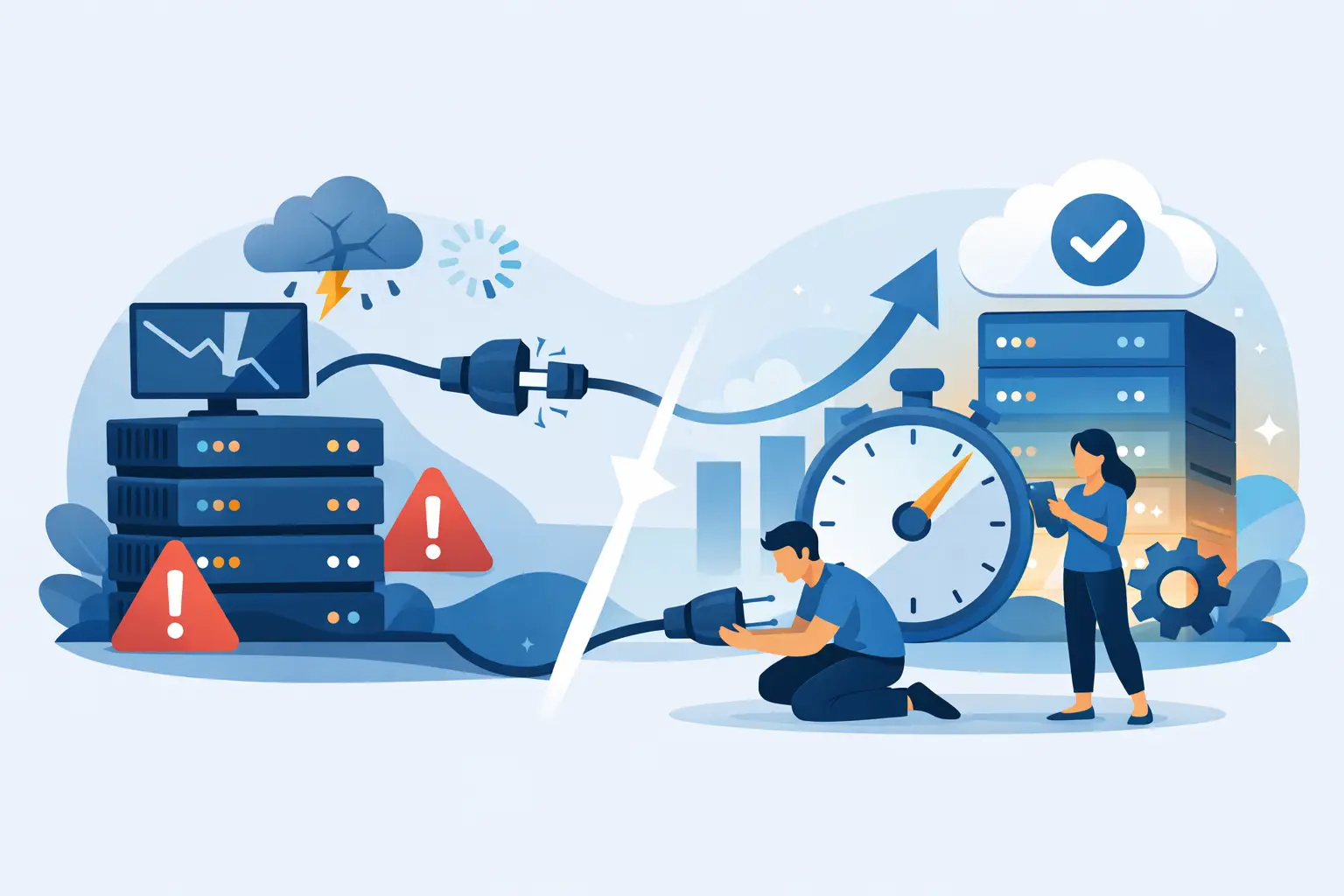





Most hosting moves go wrong for one reason: the site owner treats migration like a file transfer instead of a traffic handoff. If you want to know how to move hosting without downtime, the real job is controlling where visitors, bots, forms, and email land while two environments briefly exist at once.
That sounds technical, but the principle is simple. You do not shut off the old host and hope the new one catches up. You build the new environment first, test it hard, and only then switch live traffic over in a way that limits risk. Done right, your visitors never notice. Done poorly, you get broken pages, missing emails, failed checkouts, and a long night with support.
How to move hosting without downtime starts before migration
The fastest migrations are usually the ones that had the best prep. Before you copy a single file, you need a clear picture of what your current site depends on. For a basic brochure site, that may be just web files and a database. For a WordPress store or lead-gen site, there may also be email accounts, cron jobs, SSL settings, caching rules, CDN behavior, and third-party integrations that point to your current server.
Start by backing up everything. That means site files, databases, email if it is hosted with the same provider, and any custom configuration you may need later. A backup is not your migration plan, but it is your safety net.
Next, lower your DNS TTL if you can access your DNS zone ahead of time. TTL controls how long DNS records are cached. If you reduce it well before the move, changes propagate faster when it is time to point your domain to the new host. This does not guarantee instant switching for every user, but it shortens the lag.
This is also the moment to check what should not be moved exactly as-is. If your old host runs outdated PHP, weak security settings, or overloaded shared resources, copying the site blindly may carry old problems into a new environment. A smart migration improves the setup, not just the address.
Build the new host like it is already live
The new server should be fully ready before public traffic touches it. That includes creating the site, importing files and databases, installing SSL, matching the correct PHP version, and setting up caching and security rules.
If you are moving WordPress, update the wp-config file as needed and confirm database credentials are correct. If you use a custom app, verify environment variables, file permissions, and any required modules. A migration often fails at this stage because the site was copied but the environment was not matched.
Performance matters here too. A better host should not just receive the site – it should run it faster and more reliably. That is where modern infrastructure makes a difference. NVMe storage, current-gen CPUs, LiteSpeed, and a properly configured CDN can turn a migration into an upgrade instead of a maintenance headache.
Before changing DNS, preview the site on the new server using a temporary URL, hosts file edit, or another safe staging method. Click through the site like a customer would. Test forms, search, checkout, login, image loading, redirects, and mobile behavior. If the site sends transactional email, test that too.
The cleanest way to avoid downtime during a hosting move
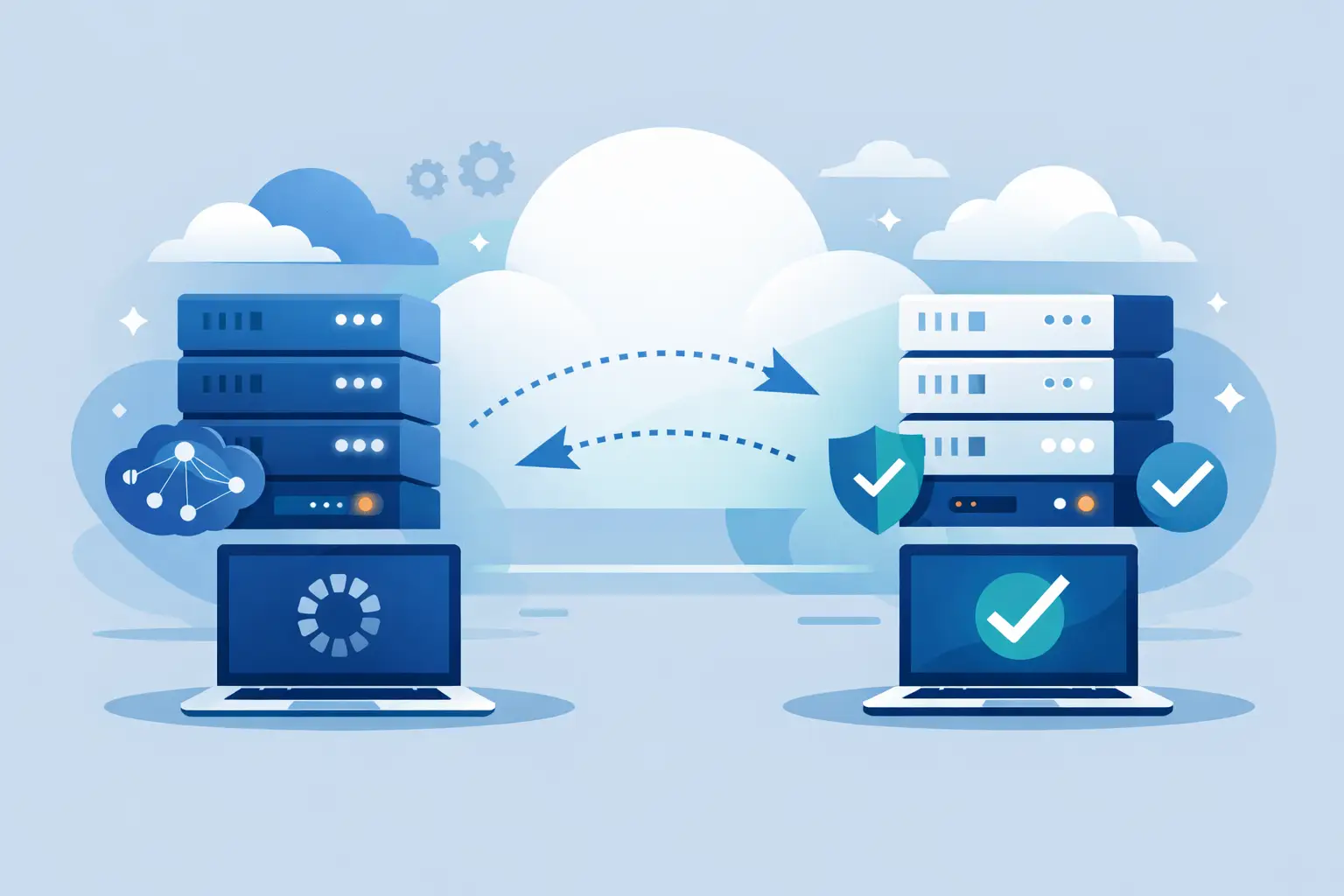
The core strategy is overlap. Keep the old host active while the new host is fully tested, then switch DNS only when you know the new environment is ready. During propagation, some visitors may still hit the old host while others hit the new one. That is normal.
What matters is reducing the chance of data changing in two places at once. On a static site, this is easy because nothing changes. On an active WordPress site, store, membership platform, or booking system, this gets trickier. New orders, form entries, comments, or account updates could hit the old server during the DNS transition.
That is why timing matters. If possible, schedule the final sync during a low-traffic window. Copy the latest database and changed files right before the switch. For ecommerce or high-activity sites, some owners briefly pause checkout or content updates during the final sync. That is not downtime in the usual sense because the site can still stay visible, but it does limit change conflicts.
If your business cannot tolerate even small data mismatches, you need a more controlled plan. That may include temporary maintenance on dynamic actions only, database-aware migration tooling, or provider-assisted migration. There is no one-size-fits-all answer here. A blog and a busy online store do not carry the same risk profile.
DNS, email, and the details that break otherwise good migrations
When people talk about downtime, they usually mean the website. But email outages often create the bigger business problem. If your DNS records include MX, SPF, DKIM, or other mail-related settings, review them carefully before the cutover. If email stays with a third-party provider, make sure those records remain untouched. If email is moving too, plan that separately and verify every record.
The same goes for subdomains, CDN settings, firewall rules, and SSL certificates. A site can look fine on the homepage but still fail on api.yourdomain.com, your staging subdomain, or your contact form endpoint.
After updating DNS, keep the old hosting account live for a few days. This is cheap insurance. Some visitors, networks, or systems may still resolve to the old server for a short period. If the old account is canceled too early, that is when real downtime happens.
You should also watch logs and analytics closely after the switch. Look for spikes in 404 errors, PHP warnings, failed logins, payment issues, and unusual response times. A migration is not finished when DNS changes. It is finished when the site is stable under real traffic.
How to move hosting without downtime for WordPress sites
WordPress can be very forgiving during migrations, but only if the details are handled properly. Themes, plugins, image paths, serialized data, and caching layers can all create trouble if moved carelessly.
Use a migration method that correctly handles database serialization and URL references. After import, clear all caches – plugin cache, server cache, and CDN cache. Then re-save permalinks if needed and test any plugin that handles forms, SEO, security, backups, or ecommerce.
WooCommerce deserves extra caution. Orders, inventory, payment callbacks, and customer sessions create moving parts that do not like sloppy cutovers. If your store gets steady traffic all day, the safest path is a coordinated migration with a host that understands live commerce workloads.
That is one reason many site owners choose a provider with migration support instead of handling everything manually. A strong hosting team can reduce guesswork, catch environment mismatches early, and help make sure the site lands on faster infrastructure without putting revenue at risk. Orvixly, for example, positions migration help alongside performance-focused hosting so the move feels less like a gamble and more like a controlled upgrade.
When a no-downtime move is realistic – and when it depends
For most small business websites, blogs, portfolios, and standard WordPress sites, a no-downtime move is absolutely realistic. The process is straightforward when the site is properly backed up, the new host is configured in advance, and DNS is switched only after testing.
For high-traffic stores, web apps, membership sites, or platforms with constant writes, the answer is more nuanced. You can still avoid visible downtime, but you may need more planning around live data, background jobs, and third-party services. The cost of getting it wrong is higher, so the migration strategy should match the business impact.
That is the trade-off. The simpler the site, the easier the move. The more dynamic the site, the more important timing, tooling, and hosting support become.
A hosting move should not feel like a leap of faith. It should feel like taking control – better speed, cleaner infrastructure, stronger security, and a setup built to win. If you treat migration as a managed switch instead of a last-minute transfer, your site can keep running while your hosting gets a serious upgrade.
Related Posts