





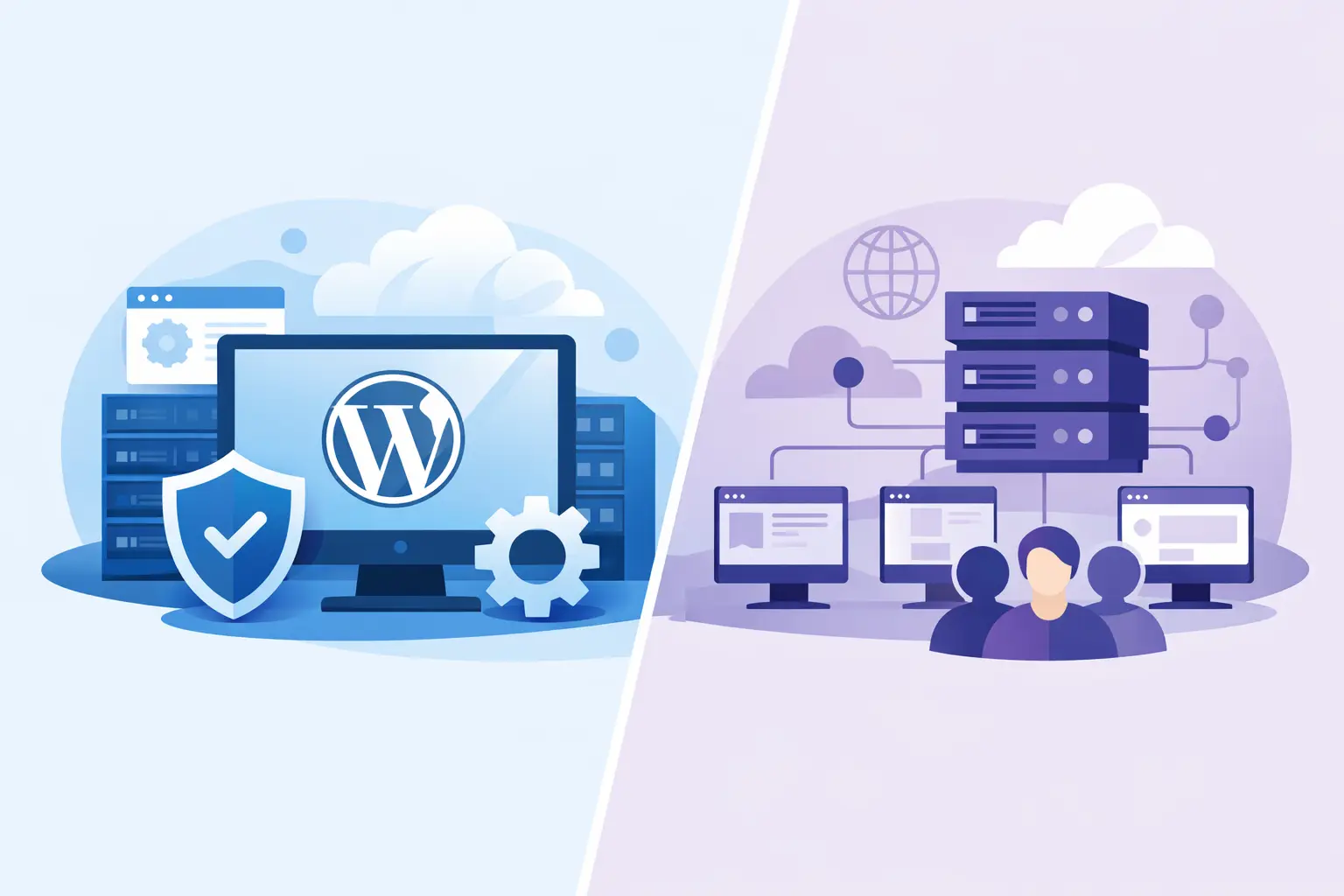
If your site feels slow, updates keep breaking something, or support treats every ticket like a generic hosting issue, this decision matters more than most people realize. WordPress hosting vs shared hosting is not just a pricing comparison. It is a choice between a general-purpose environment and one tuned specifically for how your site actually runs.
For small businesses, bloggers, freelancers, and agencies, that difference shows up where it counts – page speed, uptime, security, and how much time you spend fixing preventable problems. The right option depends on your site, your workload, and how much hands-on management you want.
WordPress hosting vs shared hosting: what changes?
Shared hosting is the broad, entry-level model. Your website lives on a server with many other websites, and the hosting environment is built to support a range of applications, not just WordPress. It is usually the cheaper option and often works fine for small brochure sites, starter blogs, or low-traffic projects.
WordPress hosting can also be shared at the server level, but the stack is configured specifically for WordPress. That usually means server rules, caching, security settings, updates, and support are all shaped around WordPress behavior. You are not just paying for space on a server. You are paying for a platform that is meant to run WordPress faster and with less friction.
That distinction matters because WordPress is not a lightweight static site builder. It uses PHP, a database, plugins, themes, media files, and background tasks. When hosting is tuned for that workload, the site often feels quicker and more stable under pressure.
Performance is where the gap gets obvious
Most site owners first notice the difference in speed. On standard shared hosting, resources are divided across many users. If a neighboring site gets hit with a traffic spike or runs heavy scripts, performance can dip. Some providers manage this well. Many do not.
With WordPress hosting, the environment is more likely to include WordPress-level caching, optimized database handling, and server software configured to reduce load times. Features like NVMe storage, LiteSpeed, current-generation CPUs, and integrated CDN support can push that advantage further. The result is not magic, but it is measurable. Pages load faster, admin dashboards respond better, and spikes are less likely to turn your site into a waiting game.
If you run a business site, portfolio, store, or lead-gen page, speed is not cosmetic. It affects bounce rate, conversions, search visibility, and trust. A slow site makes your business look smaller than it is.
Why WordPress sites benefit from tuned environments
WordPress creates dynamic pages. Every plugin adds logic. Every form, checkout, membership rule, or page builder feature adds overhead. Generic shared hosting can handle that up to a point, but once the site becomes more than a basic blog, performance tuning starts to matter.
That is why WordPress hosting often wins for growing sites. It reduces the gap between what WordPress needs and what the server is ready to deliver.
Security is not the same on both sides
Every hosting company claims security. The real question is how specific that protection is to WordPress.
Shared hosting usually includes baseline protections like SSL, malware scanning, and firewall tools, but it is designed for a broad mix of websites and apps. WordPress hosting often adds platform-specific hardening. That can include tighter rules for common WordPress vulnerabilities, smarter malware monitoring, managed updates, and plugin-related safeguards.
This matters because WordPress is a common target precisely because it is so widely used. Most security problems are not caused by WordPress itself. They come from outdated plugins, weak admin habits, or poorly maintained themes. Hosting that actively supports the WordPress ecosystem gives you a better chance of catching problems before they spread.
For non-technical users, that extra layer can be the difference between running a site confidently and waking up to a hacked homepage.
Support quality changes the ownership experience
This is one of the least discussed differences and one of the biggest.
On shared hosting, support teams usually help with server basics, account setup, email, SSL, and control panel issues. That is useful, but when your problem involves a plugin conflict, a WordPress error, or a slow admin dashboard, the help can stop short.
With WordPress hosting, support is often more aligned with the platform itself. That does not mean they will debug every line of custom code, but they are usually better equipped to identify WordPress-specific bottlenecks and common failure points. If your site is your business, that kind of support has real value.
Good hosting support should shorten problems, not just acknowledge them. That is especially true when you are migrating a site, recovering from downtime, or trying to scale without breaking what already works.
Cost matters, but so does what you are buying
Shared hosting usually wins on raw entry price. If your only goal is to get a site online for the lowest monthly cost, it is often the starting point. For hobby projects, temporary sites, or very simple business pages, that can be the right move.
But cheap hosting gets expensive when it costs you time, performance, or missed sales. If you spend hours troubleshooting slow pages, cleaning malware, or dealing with outages, the savings disappear fast.
WordPress hosting typically costs more because the service includes more specialization. The better question is not which one is cheaper. It is whether the added speed, security, support, backups, and operational simplicity will save you enough time and stress to justify the difference.
For many business owners, the answer is yes. Predictable billing helps too. Hosting buyers are tired of teaser prices followed by painful renewals. Clear pricing and same-price renewals build trust because they remove one of the most common frustrations in this market.
When shared hosting is enough
Shared hosting is still a valid choice. It makes sense when your site is small, your traffic is light, and your setup is simple. If you have a five-page local business site, a personal blog with modest traffic, or a landing page that does not rely on heavy plugins, you may not need a WordPress-specific environment yet.
It can also work well for people who are comfortable managing more of the setup themselves and do not need specialized support. If your expectations are realistic, shared hosting can be a practical launch point.
The key is not to outgrow it without noticing. Once performance complaints start, forms lag, checkout pages slow down, or updates become stressful, the hosting environment may be part of the problem.
When WordPress hosting is the smarter move
WordPress hosting is usually the better fit when your site generates leads, sales, appointments, or content revenue. It also makes sense if you run WooCommerce, use page builders extensively, rely on several plugins, manage client sites, or simply want less technical overhead.
It is also the right call for site owners who care about fast deployment and stable day-to-day operation. Features like daily backups, free migrations, malware protection, CDN integration, and optimized caching are not fluff. They reduce friction and help your site run like a winner from day one.
For agencies and freelancers, the value is even clearer. If you are responsible for client results, you want fewer support headaches and a hosting stack built for performance. Specialized hosting gives you a cleaner foundation.
WordPress hosting vs shared hosting for growing businesses
Growing businesses usually sit in the middle. They do not need enterprise infrastructure, but they cannot afford bargain-basement performance either. This is where the decision becomes strategic.
If your business depends on website speed, search traffic, local visibility, or conversion rates, hosting should not be treated like a commodity. Better infrastructure means faster load times, stronger uptime, tighter security layers, and fewer emergencies. That translates into a better customer experience and a more reliable operation.
A performance-focused host like Orvixly fits this middle ground well because it bridges simplicity and serious infrastructure. You get the essentials businesses actually need – NVMe storage, LiteSpeed, strong security layers, backups, migration help, and support that does not disappear when things get technical.
So which one should you choose?
Choose shared hosting if your site is small, simple, and cost-sensitive, and you are comfortable with a more general hosting setup. Choose WordPress hosting if your site matters to your business, your stack is getting heavier, or you want a faster, more secure environment with support that understands WordPress.
There is no prize for staying on the cheapest plan longer than you should. The better choice is the one that matches your current site and gives you room to grow without constant friction.
A good host should make your website feel faster, safer, and easier to run. If it does not, you are not really saving money – you are paying in slower pages, extra stress, and lost momentum. Pick the setup that gives your site space to perform, then let it do its job.
Related Posts