





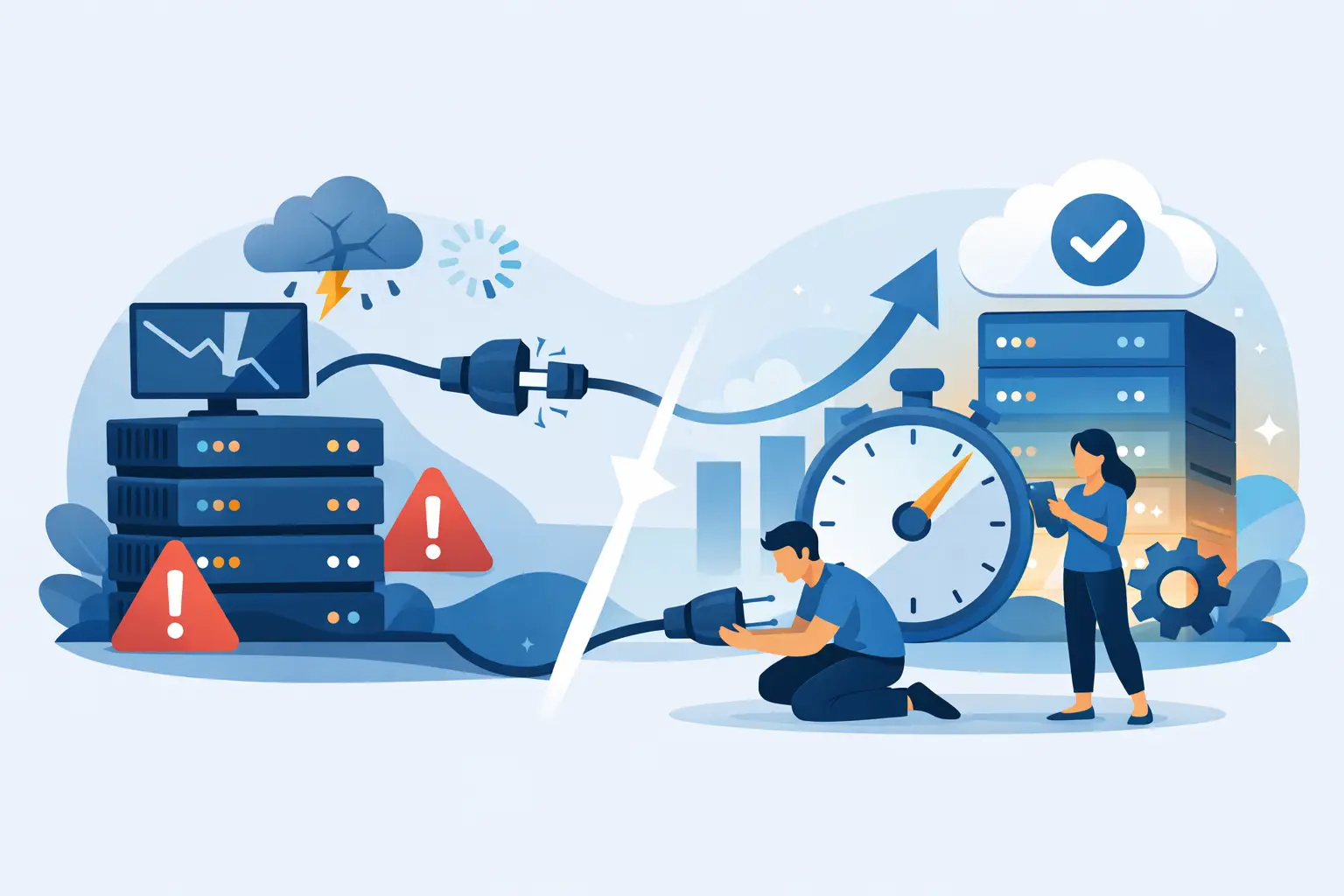
A site does not need to be down for hours to cost you money. A few minutes during a checkout rush, a traffic spike after a campaign launch, or a plugin update that crashes your homepage is enough to lose sales, leads, and trust. If you are figuring out how to reduce hosting downtime, the real goal is not just staying online. It is keeping your site stable when traffic, code, and server load stop being predictable.
Downtime is rarely caused by one dramatic failure. More often, it comes from a chain of smaller weaknesses: cheap overloaded servers, no caching, outdated plugins, weak security rules, poor monitoring, or a hosting plan that your site outgrew months ago. The fastest way to improve uptime is to treat hosting like infrastructure, not a commodity.
How to reduce hosting downtime starts with the right host
If your provider stacks too many accounts on one server, uses aging hardware, or reacts slowly when something breaks, you are already fighting an uphill battle. Hosting uptime starts at the infrastructure layer. Fast NVMe storage, modern DDR5 RAM, current AMD or Intel CPUs, and well-configured web servers are not marketing extras. They directly affect how your site handles load and recovers from pressure.
This is where many small businesses make the wrong move. They buy the lowest-priced plan they can find, then keep patching problems with plugins and workarounds. That can work for a low-traffic hobby site. It usually fails once your website becomes a real business asset.
A stronger host gives you more headroom, cleaner server performance, and better support when something needs attention. For WordPress users, that also means a hosting environment built for PHP applications, database-heavy pages, and common plugin behavior. For agencies and growing sites, cloud hosting or VPS resources can reduce the noisy-neighbor problem that often causes random slowdowns and outages on crowded shared servers.
The biggest causes of hosting downtime
Before you fix downtime, you need to know what usually causes it. Server failure is one reason, but it is not the only one and often not the main one.
Traffic spikes are a major trigger. A sudden jump in visitors can exhaust CPU, RAM, or entry processes, especially on entry-level plans. Your site might not fully crash, but it can become so slow that users leave and uptime monitors start reporting failures.
Software issues are another common source. A bad plugin update, a theme conflict, unsupported PHP version changes, or a broken cron job can take down a WordPress site even when the server itself is fine. In these cases, the problem looks like hosting downtime to your visitors, but the root cause is application instability.
Security attacks also matter. Brute-force login attempts, bot floods, malware injections, and exploit scans can consume resources or corrupt files. Without a security layer such as ModSecurity, Imunify360, malware scanning, or basic rate limiting, your site becomes easier to knock offline.
Then there is plain neglect. Missed updates, no backups, no uptime alerts, and no staging environment create the kind of setup where one small mistake becomes a full outage.
Build margin into your hosting setup
The cleanest answer to how to reduce hosting downtime is simple: stop running your site at the limit.
A hosting plan should not be chosen based only on where your site is today. It should match where your traffic, plugin load, and content growth are going over the next six to twelve months. If your account is regularly hitting resource limits, you are one spike away from instability.
That does not mean every site needs a dedicated server. It means matching the environment to the workload. A brochure site with a few pages can do well on solid shared hosting. A WooCommerce store, a busy WordPress blog, or an agency site with client traffic usually benefits from WordPress hosting, cloud hosting, or VPS-level resources.
Performance tools also create margin. LiteSpeed caching, CDN delivery, optimized databases, and image compression reduce how much work your origin server needs to do on every request. The less load your server handles per visitor, the lower your risk of downtime under pressure.
Use monitoring before users find the problem
Most site owners hear about downtime from customers first. That is too late.
Uptime monitoring should alert you the moment your site fails from multiple locations. Resource monitoring should show CPU, memory, I/O, and bandwidth patterns so you can catch bottlenecks before they turn into outages. Error logs, access logs, and application logs are just as important. They tell you whether the issue is server load, PHP errors, database failures, or a spike in malicious traffic.
This is where support quality matters more than flashy pricing. When something breaks, you want a host that can read the signs quickly, isolate the issue, and help you recover without turning a 10-minute incident into a half-day mess.
If you are running client projects or business-critical sites, monitoring should be part of your baseline stack, not an optional extra. It gives you speed in two ways: faster detection and faster fixes.
Backups reduce downtime even when they do not prevent it
Backups do not stop outages. They shorten them.
That distinction matters. If a plugin update corrupts your site or malware alters core files, your best move may be rolling back to a clean restore point. Daily backups are a strong baseline, but some sites need more frequent snapshots depending on how often content, orders, or user data changes.
The trade-off is simple. More frequent backups can use more storage and require tighter retention policies, but they dramatically reduce recovery pain. For ecommerce sites or lead-gen pages tied to active campaigns, that trade is usually worth it.
A good backup strategy also needs testing. A backup that cannot be restored quickly is just a false sense of security. Make sure you know where backups live, how restoration works, and how long recovery typically takes.
How to reduce hosting downtime with smarter WordPress habits
WordPress itself is not the problem. Unmanaged WordPress is.
Too many websites pile on plugins, skip updates, and run heavy themes that turn routine maintenance into a risk. If you want stronger uptime, trim plugin bloat, remove anything inactive, and avoid stacking multiple tools that do the same job. Keep WordPress core, themes, and plugins updated, but do it carefully.
The safest path is testing changes before pushing them live. A staging environment helps you catch compatibility issues before visitors feel them. That matters even more if your site relies on page builders, ecommerce plugins, membership tools, or custom code.
You should also stay current with PHP versions that your software supports. Older versions can create security exposure and performance drag. Newer versions usually improve speed, but only if your site components are compatible. This is one of those areas where it depends. Blindly upgrading everything at once can be just as risky as never updating.
Security is uptime protection
Many businesses separate security from uptime. That is a mistake.
A hacked site is often a down site. Even if it still loads, it may be blacklisted, defaced, redirected, or so overloaded by malicious activity that it becomes unusable. Basic protection such as a web application firewall, malware scanning, login hardening, free SSL, and active server rules can stop a lot of trouble before it starts.
CDN integration also helps here. A service like Cloudflare can absorb some attack traffic, cache static assets, and reduce direct pressure on your origin server. It will not solve every availability problem, but it adds another protective layer between your website and the internet.
That layered model is what wins. Secure server configuration, active monitoring, regular patching, and intelligent traffic filtering work better together than any single tool on its own.
Know when it is time to upgrade
Some downtime problems are not fixable with tuning alone. If your site has outgrown shared resources, you can optimize for weeks and still hit the same ceiling.
A plan upgrade is usually the right move when slowdowns happen during normal traffic, not just occasional spikes. The same applies when your site is adding more dynamic features, more concurrent users, or multiple websites under one account. Agencies feel this early because one weak account can drag down several client projects at once.
This is where a provider like Orvixly fits naturally for growing sites. The path from shared hosting to WordPress hosting, cloud hosting, VPS, and dedicated servers makes scaling cleaner. You are not forced into enterprise complexity just to get more stability.
The key is upgrading before outages become routine. Reactive upgrades cost more in lost revenue than proactive ones.
A practical standard for better uptime
If you want a realistic uptime strategy, keep it simple. Choose infrastructure with real performance headroom. Add caching and CDN support so your server does less work. Keep WordPress lean and updated. Use security layers that block obvious abuse. Monitor continuously. Back up daily or better. Upgrade when resource pressure becomes normal.
That is how to reduce hosting downtime without turning your website into a full-time engineering project. The strongest setup is not the most complicated one. It is the one built with enough speed, protection, and support to stay steady when your business starts moving faster.
Related Posts