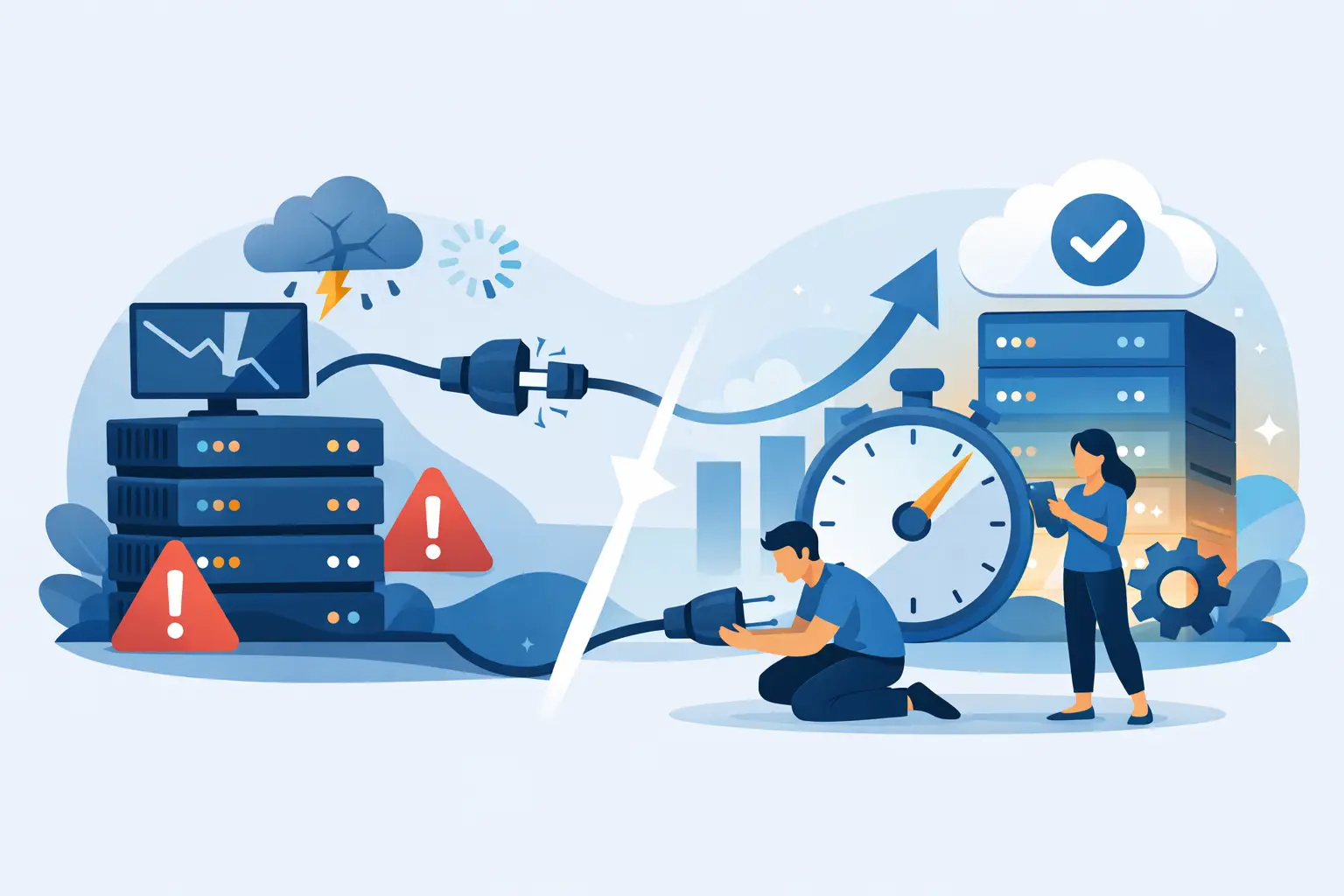






That spike in traffic should feel like a win. If your site slows down, throws errors, or starts timing out instead, your hosting plan is no longer helping you grow. If you are asking when should you upgrade hosting, the real answer is this: before performance problems start costing you visitors, sales, and trust.
Hosting upgrades are rarely about chasing bigger specs for the sake of it. They are about keeping your website fast, stable, and secure as your needs change. A personal blog with a few hundred monthly visits can run fine on entry-level hosting. A business site with steady traffic, ecommerce activity, multiple plugins, and real revenue on the line needs more breathing room.
When should you upgrade hosting for performance?
The clearest sign is speed. If your website feels slower than it used to, even after optimizing images, caching pages, and trimming unnecessary plugins, your hosting may be the bottleneck. This often shows up as long page load times during peak hours, slow admin dashboards, or random lag when several users hit the site at once.
Many site owners blame their theme first, and sometimes that is fair. Bloated code can drag down performance. But if your site is reasonably optimized and still struggles, the underlying server resources matter. Limited CPU, memory, and storage speed can create a ceiling that no plugin can fix.
This is especially common on crowded shared hosting. Shared plans are great for getting started, but they come with trade-offs. If neighboring accounts consume heavy resources, your site can feel the impact. That is where moving to a stronger shared tier, WordPress hosting, cloud hosting, or VPS hosting starts to make sense.
Traffic growth changes the math
A site that handled 1,000 monthly visitors without issues may start to choke at 10,000, especially if those visits arrive in bursts. Traffic growth is one of the biggest reasons to upgrade, but raw visitor count is only part of the story. The type of traffic matters just as much.
If users are simply reading a few blog posts, your resource load may stay manageable longer. If they are searching products, logging in, submitting forms, checking out, or hitting dynamic WordPress pages, the demand rises fast. More database calls, more PHP workers, and more concurrent activity mean your hosting has to work harder.
A good rule is to upgrade when growth becomes consistent, not after your site crashes during a campaign or seasonal rush. If you know a product launch, holiday spike, or ad campaign is coming, that is the moment to move up. Waiting until the server is already under pressure is how revenue gets left on the table.
Your uptime is starting to wobble
Slow pages are frustrating. Downtime is worse. If your site occasionally goes offline, returns 503 errors, or becomes unreachable during busy periods, your current hosting setup is under strain or poorly matched to your workload.
This is where cheap hosting often shows its limits. Low pricing can look attractive until outages start cutting into leads and customer confidence. For a business website, uptime is not a nice extra. It is baseline infrastructure.
If your visitors cannot reach your site consistently, an upgrade is not optional. It is operational damage control. Better hosting should give you stronger resource allocation, better isolation, and infrastructure built for stability, not just low entry cost.
When should you upgrade hosting for WordPress?
WordPress makes growth easy, but it also makes resource creep easy. Each plugin, builder, security tool, backup process, and ecommerce feature adds overhead. A lightweight brochure site may run smoothly on a basic plan. A WordPress site with WooCommerce, page builders, membership tools, and traffic from paid ads can outgrow that same plan quickly.
Watch for these patterns: your wp-admin area becomes sluggish, updates take too long, scheduled tasks fail, checkout pages stall, or backups push the site over the edge. Those are practical signs that your WordPress setup needs more capable hosting.
This does not always mean you need a dedicated server tomorrow. Sometimes the right move is simply stepping from basic shared hosting into a performance-focused WordPress plan with faster storage, better caching, stronger security layers, and room for higher traffic. The goal is fit, not excess.
Security demands can force an upgrade
Growth changes your security profile. More traffic, more forms, more customer data, and more plugins create more exposure. If your current host offers bare-minimum protection, upgrading may be the smartest security decision you make.
For example, if you need stronger malware scanning, a web application firewall, automated backups, account isolation, DDoS mitigation, or better patch support, basic hosting may not cut it. Security incidents are expensive in time and reputation, even when the damage looks small from the outside.
This matters even more for stores, client sites, and business websites collecting contact or payment information. If your site has become important enough that downtime, infection, or data loss would hurt your brand, then your hosting should reflect that reality.
You are hitting plan limits more often
Sometimes the signs are less dramatic. Your host may be warning you about CPU overages, inode limits, memory caps, or bandwidth thresholds. You may notice email quotas filling up, storage getting tight, or staging and backup tools becoming difficult to use because there is no headroom left.
These are not minor annoyances. They are early warnings that your environment is becoming cramped. If you are constantly trimming files, disabling useful features, or worrying about the next traffic bump, your hosting is no longer supporting the business – it is restricting it.
An upgrade should buy you margin. That means enough compute, storage, and flexibility to keep moving without having to babysit resource usage every week.
Not every upgrade means jumping to a dedicated server
A lot of site owners delay upgrades because they assume the next step will be expensive or overly technical. Usually, that is not true. Hosting should scale in practical stages.
If you are on entry-level shared hosting, the next move might be a higher-performance shared plan or WordPress hosting. If your site needs more consistent resources and control, cloud hosting or unmanaged VPS hosting may be the better fit. Dedicated servers make sense for heavy workloads, specialized configurations, or sites that need serious horsepower, but many growing businesses do not need to jump there immediately.
The right question is not “what is the biggest plan available?” It is “what level of hosting matches my current traffic, workload, and risk tolerance?” Overspending is possible, and so is underbuying. Smart scaling sits in the middle.
The business case is simple
Better hosting is often cheaper than bad hosting. A faster site can improve conversions. Stronger uptime protects sales. Better support shortens downtime when something goes wrong. Easier backups and security tools reduce risk. Predictable renewals and migration help save friction that most site owners are tired of dealing with.
That is why performance-focused providers matter. Features like NVMe storage, LiteSpeed, CDN integration, daily backups, free SSL, and malware protection are not marketing filler when your website actually depends on them. They are part of what keeps a growing site running like a winner.
If you are managing client sites, the stakes are even higher. Agencies and freelancers cannot afford to explain repeated slowdowns to paying clients. Upgrading hosting becomes part of protecting your reputation, not just improving a dashboard metric.
How to decide without overthinking it
Start with what your site is doing today, not what it did six months ago. Has traffic grown? Has your site become more dynamic? Are you adding ecommerce, bookings, memberships, or heavier WordPress functionality? Are slowdowns showing up despite optimization work? If the answer is yes to two or more of those, the case for upgrading is already strong.
Then look ahead. Are you planning campaigns, product launches, or seasonal promotions? Will you be hosting more websites under one account? Do you need stronger security or more reliable backups? Hosting should support the next stage of growth, not just the current one.
That is where a provider like Orvixly can make the upgrade feel straightforward instead of painful – faster infrastructure, practical plan tiers, migration help, and support that treats uptime like a serious priority.
The best time to upgrade hosting is usually earlier than most people think. If your website is starting to hesitate under real demand, that hesitation is your signal. A site built to win needs hosting that can keep up.
Related Posts