




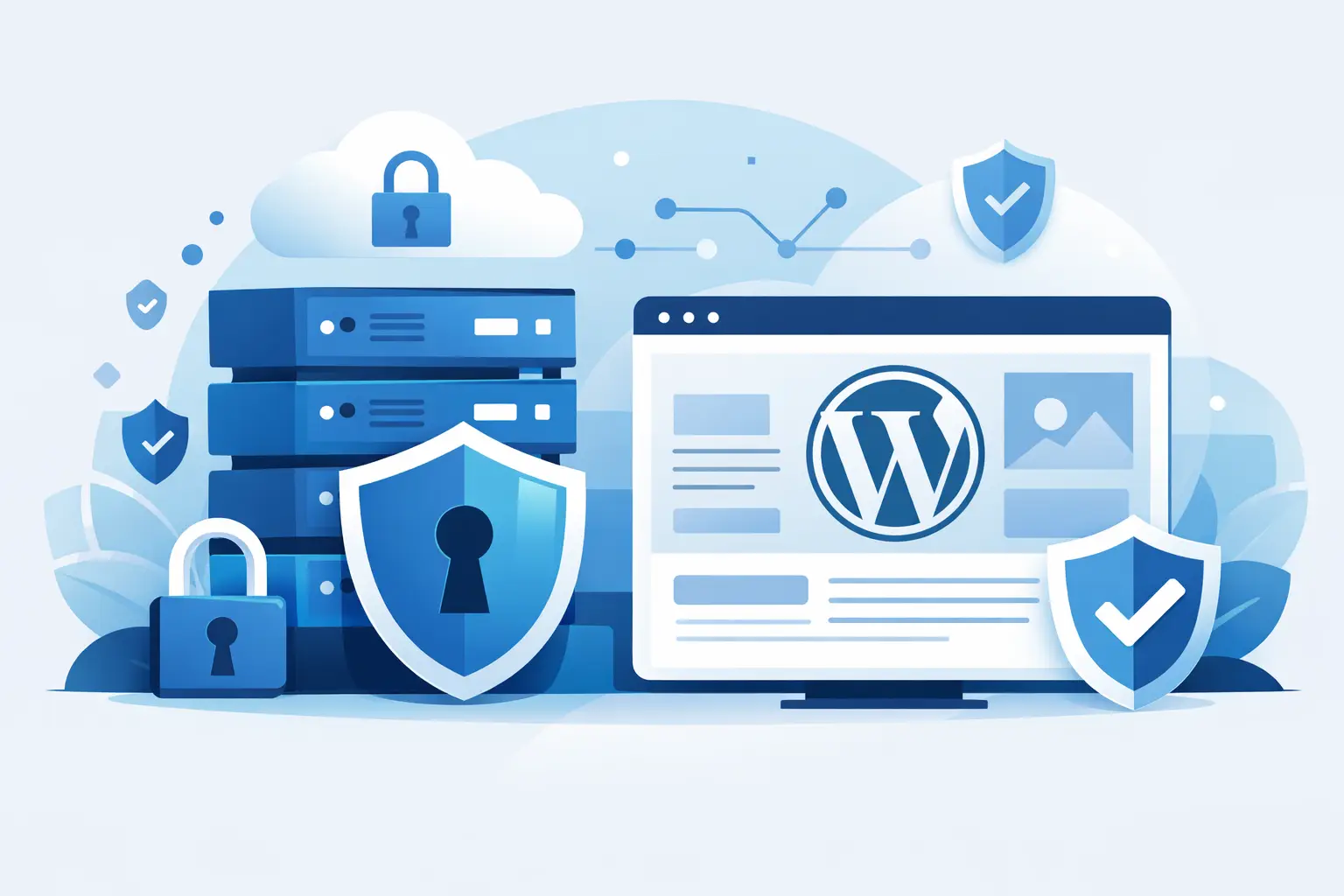
A hacked WordPress site rarely starts with a dramatic warning. More often, it starts with a plugin left unpatched, a weak login, a missed backup, or a hosting environment that was never built to stop trouble early. That is why secure web hosting for WordPress is not a nice extra. It is the foundation that keeps your site online, your brand credible, and your revenue protected.
If you run a business site, client project, blog, or online store, security has to work quietly in the background while performance stays strong up front. The right host does both. You should not have to choose between fast load times and serious protection.
What secure web hosting for WordPress actually means
A lot of hosting companies talk about security as if free SSL alone checks the box. It does not. SSL matters because it encrypts traffic between your visitors and your site, but that is only one layer. Real WordPress security is a stack.
At the hosting level, you want account isolation, active malware scanning, firewall rules, server hardening, patch management, backup systems, and tools that can detect suspicious behavior before it turns into downtime. WordPress itself is a popular target because it powers such a large share of the web. Popularity brings convenience, but it also attracts automated attacks looking for easy wins.
Secure hosting should reduce your exposure before you ever log in to install a theme. That means the server is configured with security in mind, not treated as an afterthought once a site gets compromised.
The biggest risks WordPress site owners face
Most attacks are not personalized. They are automated, repetitive, and built to exploit common mistakes at scale. That is good news and bad news. The good news is that many threats are preventable. The bad news is that weak hosting leaves the door wide open.
Brute-force login attempts are one of the most common issues. Bots hammer the login page trying username and password combinations until they hit something weak. Outdated plugins and themes are another major risk, especially on sites that have grown over time and picked up unnecessary add-ons. Shared hosting environments can also become a problem when they are oversold or poorly isolated, because one compromised account can create risk for neighboring sites.
Then there is data loss. Not every security failure is an attack. Sometimes a bad update, accidental deletion, or broken configuration causes just as much damage. If your host does not provide dependable daily backups, recovery becomes slow, expensive, and stressful.
Security features that actually matter
When you compare hosting providers, look past generic claims and focus on the mechanisms doing the work.
A web application firewall is one of the first things to look for. It helps filter malicious traffic before it reaches your site. ModSecurity is a well-known option at the server level, and when properly configured, it can block many common exploit patterns.
Malware scanning is another key piece. Tools like Imunify360 can detect infected files, suspicious changes, and known attack behavior. That matters because malware often hides quietly before it causes visible damage.
Daily backups are non-negotiable for serious WordPress hosting. If something breaks, you need restore points that are recent and accessible. Free SSL should be standard, not a premium upsell. Strong account isolation also matters on shared environments, because your site should not be exposed just because another user on the same server made a mistake.
DDoS protection and CDN integration deserve attention too. A CDN helps with speed, but it also absorbs and filters traffic at scale. That can make a real difference during traffic spikes or low-level attacks that try to overwhelm your site.
Why performance and security belong together
Slow hosting can become a security problem. That sounds backward until you see what happens in real life. Site owners on weak platforms delay updates because changes feel risky. Admin panels lag, backups take longer, scans hit resource limits, and troubleshooting becomes harder than it should be.
Fast infrastructure makes security easier to maintain. NVMe storage improves read and write performance. Modern CPUs and DDR5 RAM help the server process requests more efficiently. LiteSpeed can improve WordPress speed while reducing resource strain. That gives your site room to handle legitimate traffic without falling over when bots show up.
This is one reason premium hosting feels different in day-to-day use. You are not just buying raw speed. You are buying margin, stability, and fewer points of failure.
Shared, WordPress, VPS, or dedicated – what is safest?
It depends on your site, your budget, and how much control you want.
Shared hosting can be secure if the provider manages the environment well, isolates accounts properly, and includes meaningful protection layers. For small business sites, blogs, portfolios, and newer WordPress projects, this can be the right starting point. The trade-off is that resources are shared, so quality varies a lot between providers.
Managed-style WordPress hosting is often the best fit for site owners who want a simpler path. It usually includes WordPress-focused tuning, security rules designed for common threats, and support teams that understand the platform. If you want less friction and faster setup, this is a strong option.
VPS hosting gives you more control and dedicated resources, which can improve both performance and isolation. But unmanaged VPS plans also place more responsibility on you. If you do not know how to harden a server, monitor logs, patch services, and configure a firewall, more control can create more risk.
Dedicated servers make sense for larger projects, high-traffic businesses, or agencies with technical expertise. They offer the most isolation, but they also require the clearest operational discipline.
For many WordPress users, the smartest move is not the most powerful plan. It is the plan that matches your technical comfort level while still giving you strong built-in protection.
How to evaluate secure web hosting for WordPress
Start with support. Security problems do not wait for business hours. If your site goes down at midnight, you need a real support team that responds quickly and knows WordPress hosting, not a script-reading queue that burns time.
Next, look at backup policy details. Daily backups sound great, but how long are they retained, how easy is restoration, and is there a fee to recover your site? Those answers matter more than the headline.
Ask how malware is handled. Is scanning proactive or manual? Are infected files quarantined? Will the host help clean the site or only notify you that something is wrong? There is a big difference.
Check how renewals work too. Cheap first-year pricing can hide long-term cost surprises. Predictable billing is not just a pricing issue. It reduces operational friction and makes it easier to stay on a stable host instead of migrating under pressure.
Finally, pay attention to migration help. A secure hosting setup loses value if moving your site into it is messy, delayed, or risky. A provider that handles migration well removes one of the biggest barriers to switching from a weak host.
What a strong hosting setup looks like in practice
For most WordPress site owners, the winning setup is straightforward. You want free SSL enabled from day one, daily backups running automatically, a WAF in place, malware scanning active, and a CDN helping with both speed and traffic filtering. You also want modern server hardware and a hosting stack tuned for WordPress so the site feels fast in the admin area as well as on the front end.
That combination covers the basics without making things complicated. It protects against common threats, supports better uptime, and gives you recovery options when mistakes happen. If your site is growing, moving to a higher-resource plan or VPS should feel like a clean upgrade, not a rescue mission.
For businesses that want performance without enterprise-level complexity, this is where a provider like Orvixly fits naturally – fast infrastructure, practical security layers, and support that helps you move forward instead of slowing you down.
Security still needs your attention
Even the best host cannot protect a site from every bad decision made inside WordPress. If you install abandoned plugins, reuse weak passwords, or ignore updates for months, risk climbs fast.
Hosting should carry the heavy load at the server level, but site owners still need good habits. Use trusted plugins, keep WordPress updated, enable strong passwords, and limit admin access to people who actually need it. Security works best when your hosting environment and your site management support each other.
A fast site gets attention. A secure site keeps it. If your hosting is doing its job, visitors never think about firewalls, malware scans, or backup systems. They just see a site that loads quickly, stays online, and feels trustworthy. That is the kind of hosting that earns confidence and keeps your WordPress site running like a winner.
Related Posts