





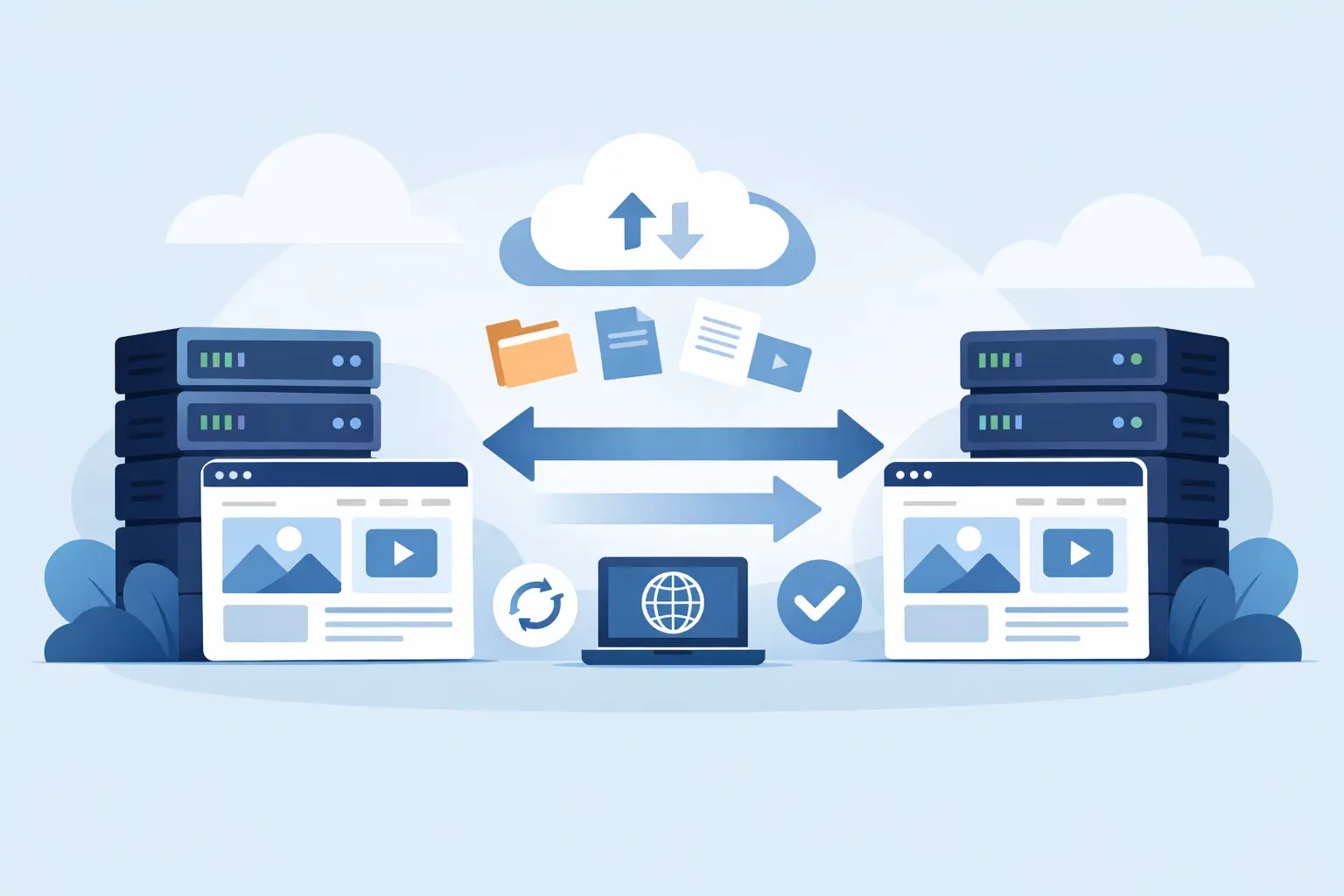
Moving a live website is where hosting promises get tested. Anyone can advertise speed and uptime, but free website migration hosting is what separates a host that wants your business from one that’s ready to earn it. If your current provider is slow, unreliable, or charging more every year for less value, migration support is not a bonus. It is part of the real cost of switching.
A lot of site owners hesitate because they assume migration means downtime, broken pages, lost email, or a weekend spent inside cPanel and DNS settings. That fear is justified. A bad move can create real damage, especially for small businesses, online stores, lead generation sites, and active WordPress installations. But a good host removes that friction. The right migration process gets your site moved quickly, tested properly, and launched cleanly without turning the switch into a gamble.
What free website migration hosting actually means
At its best, free website migration hosting means your new provider handles the heavy lifting of moving your website from the old environment to the new one without charging a setup fee. That can include website files, databases, email accounts, SSL setup, DNS guidance, and compatibility checks. For WordPress users, it may also include plugin review, permalink verification, caching configuration, and a staging-style validation before the final cutover.
That said, not every host means the same thing when they say free migration. Some only migrate one site. Some only move standard cPanel accounts. Others hand you a plugin and call that support. Technically, that still counts as a migration option, but it is not the same as expert-led transfer assistance.
This is where buyers get tripped up. The phrase sounds simple, but the service level can vary a lot. If your website matters to your business, you want to know whether the host is offering a hands-on move or just a tool and a support article.
Why free website migration hosting matters more than people think
Switching hosts should improve performance, not create new problems. That sounds obvious, but migration is where weak infrastructure and weak support usually show up first.
A proper migration protects three things at once – uptime, data integrity, and momentum. Your site stays reachable, your content stays intact, and your business keeps moving. If the host also offers stronger infrastructure like NVMe storage, optimized server stacks, daily backups, security layers, and CDN integration, the move becomes more than a transfer. It becomes an upgrade.
For small businesses and creators, that matters because most migrations happen for a reason. Maybe your current site loads too slowly. Maybe support takes forever to answer. Maybe renewals jumped and the value disappeared. Maybe your WordPress install feels heavier every month. Free migration lowers the barrier to leaving a weak host behind.
There is also a trust factor. A provider willing to move your site at no extra cost is showing confidence in its onboarding process. That signals operational maturity. It says the company expects customers to come over, get settled fast, and stay.
What a strong migration process should include
The best migrations are organized, not improvised. First, the host should review your current environment. That means understanding your control panel, website size, CMS, database setup, email dependencies, DNS access, and any special requirements like custom cron jobs or multiple domains.
Next comes the actual transfer. This is where website files and databases are copied into the new environment, then configured to run properly on the new server. If your site uses WordPress, the new host should verify core functionality, themes, plugins, media, forms, and login access. If caching is involved, settings may need to be adjusted so performance improves instead of breaking layouts.
Then comes validation. This part matters more than most people realize. The site should be checked before DNS is changed so obvious issues are caught early. Broken image paths, mixed content warnings, email routing problems, and outdated PHP compatibility issues are all easier to fix before the site goes live on the new host.
Finally, there is cutover. DNS updates are made, the site starts resolving to the new server, and the host monitors the move until traffic is landing where it should. Good support during this stage is a major advantage because this is the window where business owners want fast answers, not ticket ping-pong.
The trade-offs behind “free”
Free does not always mean effortless, and it definitely does not mean identical across every provider.
Some hosts offer free migration because they have efficient internal processes and want to make switching easy. That is the ideal scenario. Others use the word free as a lead-in, then limit the scope so heavily that advanced users still end up doing part of the work themselves.
If you run a simple brochure site, a basic migration may be enough. If you run WooCommerce, a membership platform, or a website with multiple mailboxes and custom DNS records, it depends on the host’s actual migration depth. Complex websites need more than a copy-and-paste transfer. They need planning.
You should also pay attention to timing. A free migration that takes seven days may be fine for a side project, but not for a business under pressure to move now. The same goes for support hours. If migration help is only available on limited schedules, that can slow the process down right when you need confidence.
How to evaluate free website migration hosting before you buy
Start with the basics. Ask whether the migration is fully managed or plugin-based. That one question reveals a lot. A fully managed move usually means the host’s team handles the transfer and testing. A plugin-based move puts more responsibility on you.
Then ask what is included. Website files and databases are obvious, but email migration, DNS assistance, SSL configuration, backups, malware checks, and post-move testing are where the real value sits. If the host offers free migration but charges extra for the pieces that actually reduce risk, the offer is weaker than it looks.
Infrastructure matters too. Moving to another slow environment is not progress. Look for signs the new platform is built for speed and consistency, such as modern processors, fast storage, optimized web servers, CDN support, and layered security. Migration gets you out of a bad setup, but performance-focused hosting is what makes the switch worthwhile after day one.
Support quality is just as important as server specs. During a migration, you want clear communication, realistic timelines, and people who can explain what is happening without turning every reply into jargon. Fast support is not just a nice touch here. It directly affects how safe the move feels.
Who benefits most from migration help
Beginners benefit because they avoid the technical stress. They do not need to learn database exports, nameserver changes, or manual email recreation just to leave a host that is underperforming.
Intermediate users benefit too, especially when they are busy. Even if you know how to migrate a site yourself, it still takes time. A provider that handles the move lets you stay focused on sales, content, clients, or operations instead of babysitting file transfers.
Agencies and freelancers get another advantage. When a host offers migration support that is reliable and repeatable, moving client websites becomes easier to standardize. That lowers friction and helps projects launch faster.
WordPress site owners often gain the most because WordPress performance is highly sensitive to hosting quality. Better server resources, smarter caching, daily backups, stronger security, and migration support all work together. The transfer solves one problem. The new environment solves the next ten.
When free migration is not enough on its own
Migration support is valuable, but it should not distract from the bigger decision. A host can move your site for free and still disappoint you later with weak performance, inconsistent uptime, confusing plan limits, or renewal pricing that changes the equation.
That is why free migration should be treated as a buying signal, not the whole reason to choose a provider. It tells you the host wants to reduce switching friction. It does not automatically prove the platform is right for your growth.
The better standard is simple. Choose a host that makes migration easy and gives your website a stronger place to run after it arrives. That means dependable speed, practical security, backup protection, straightforward scaling, and support that shows up when something matters.
A provider like Orvixly fits that expectation because migration help makes more sense when it is paired with performance-first infrastructure instead of cheap-hosting shortcuts.
If your current host is draining time, trust, or traffic, waiting rarely improves the situation. The smartest move is usually the one that removes friction now and puts your site on a platform built to win for the long run.
Related Posts